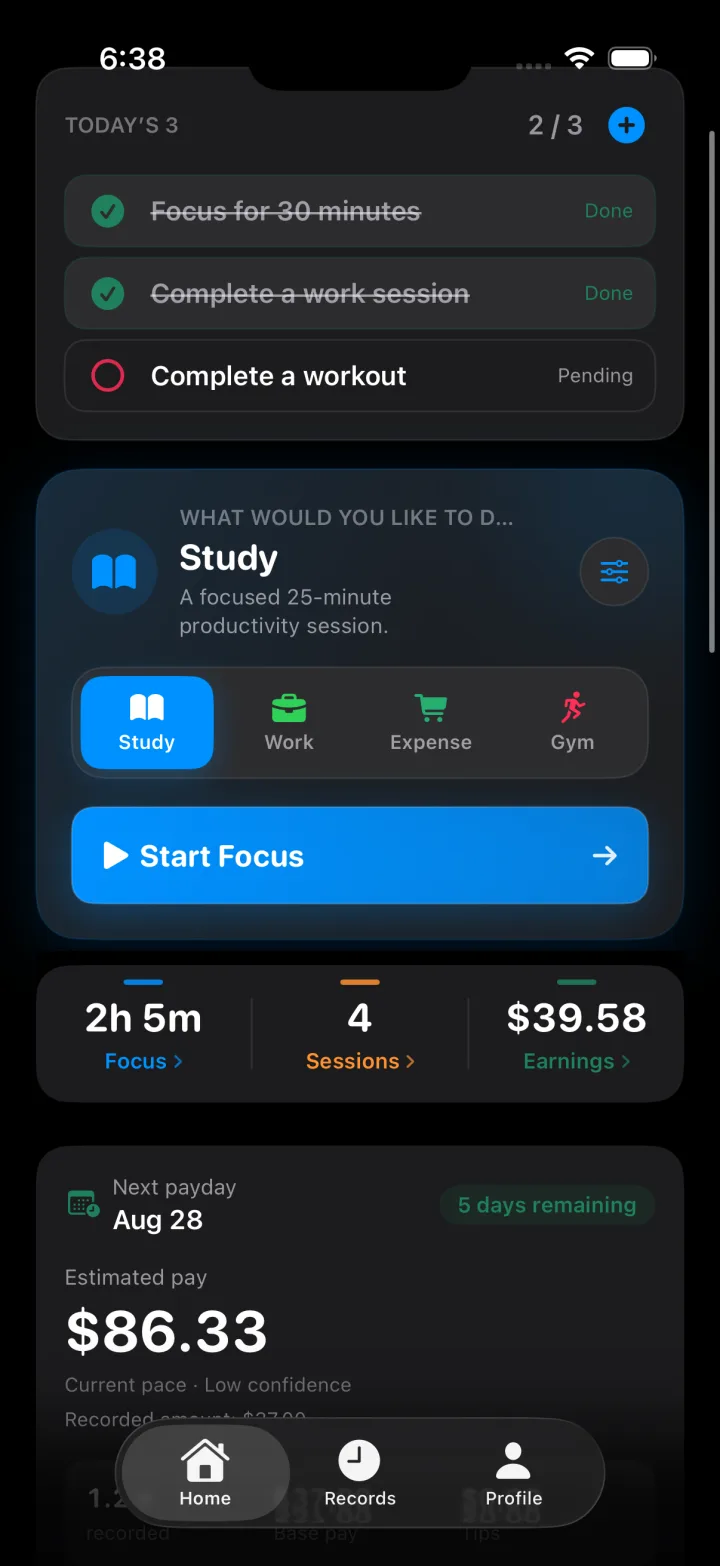
Start with Today’s 3.
Pick three priorities, then start Study, Work, Expense, or Gym from the same Home screen.
FocusMint
Start the day with Today’s 3, then Study, Work, Expense, or Gym. Records shows the pattern. Apple Watch keeps it close.
FocusMint treats creating, spending, and training as equal parts of how you use your time.
Study uses Live Focus, Pomodoro, or Manual. Work uses Clock In, Pomodoro, or Manual. Time becomes earnings and goals.
Earn — try a focus session
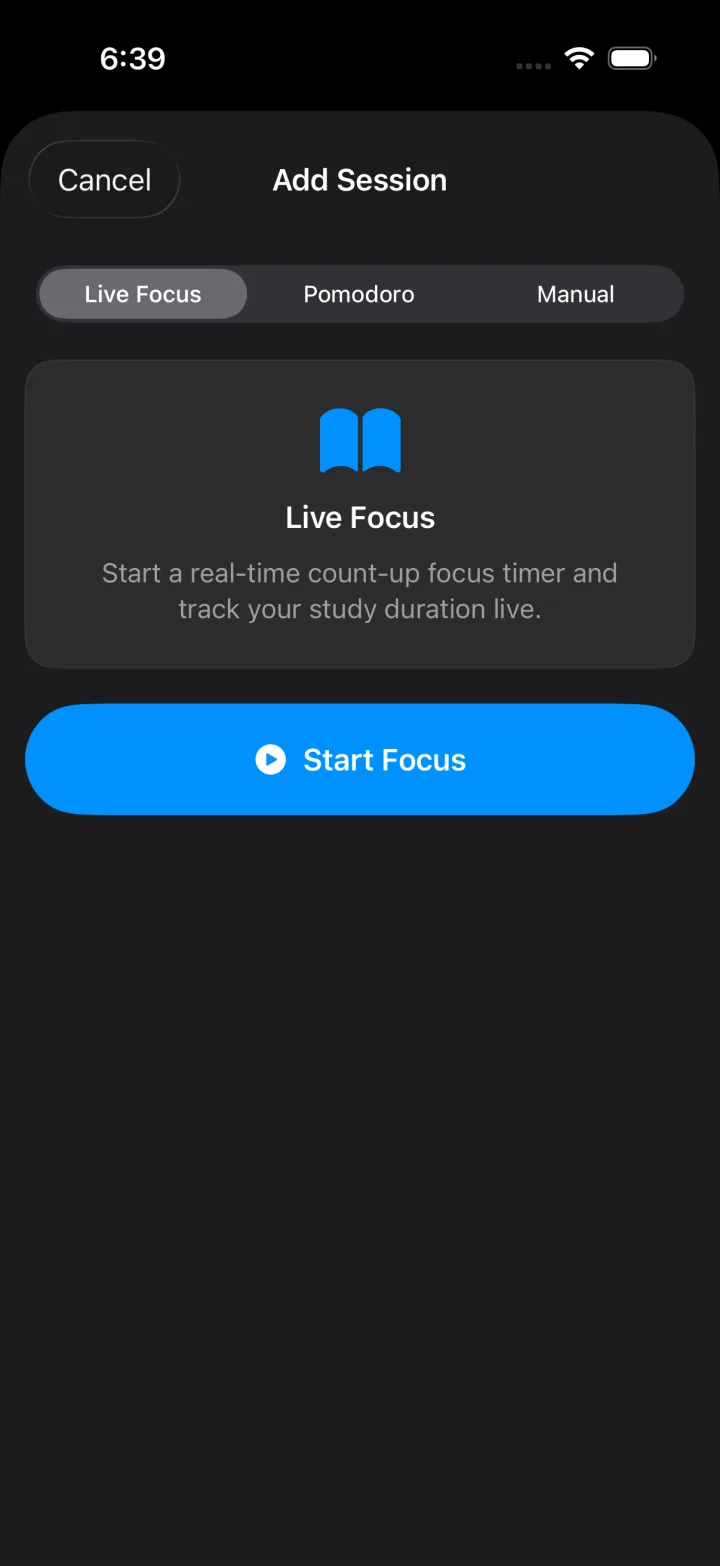
Thirty seconds of Pomodoro or Live Focus — the two live timers on iPhone.
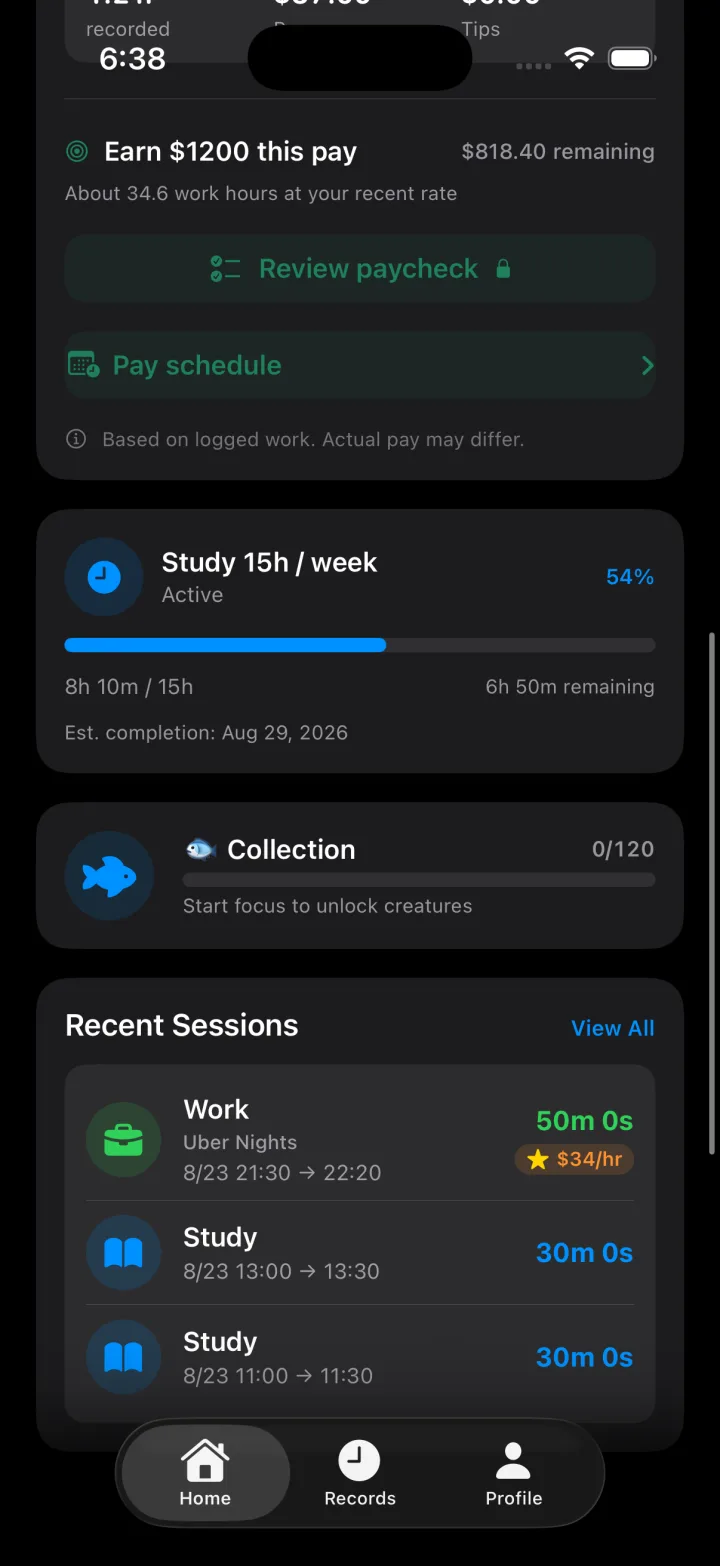
Pick three priorities, then start Study, Work, Expense, or Gym from the same Home screen.
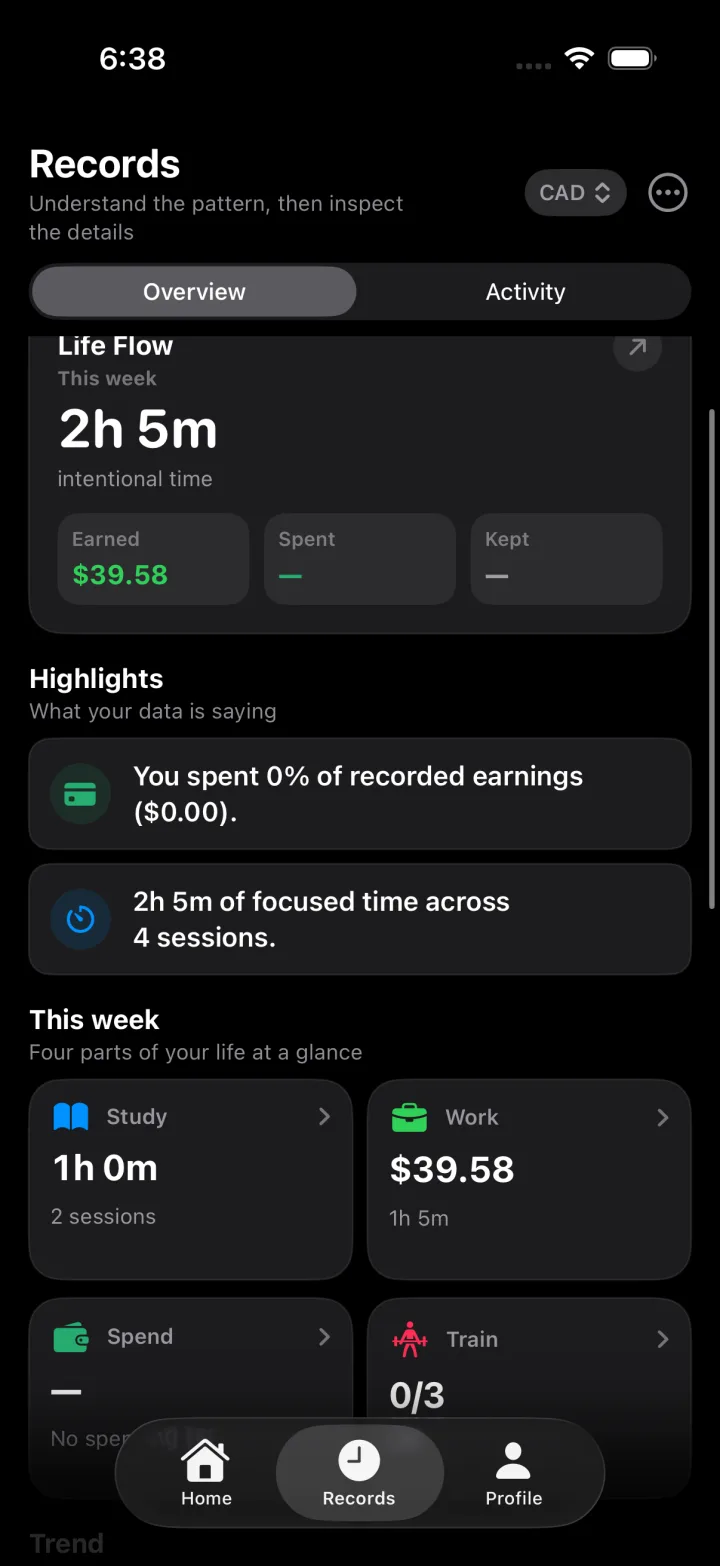
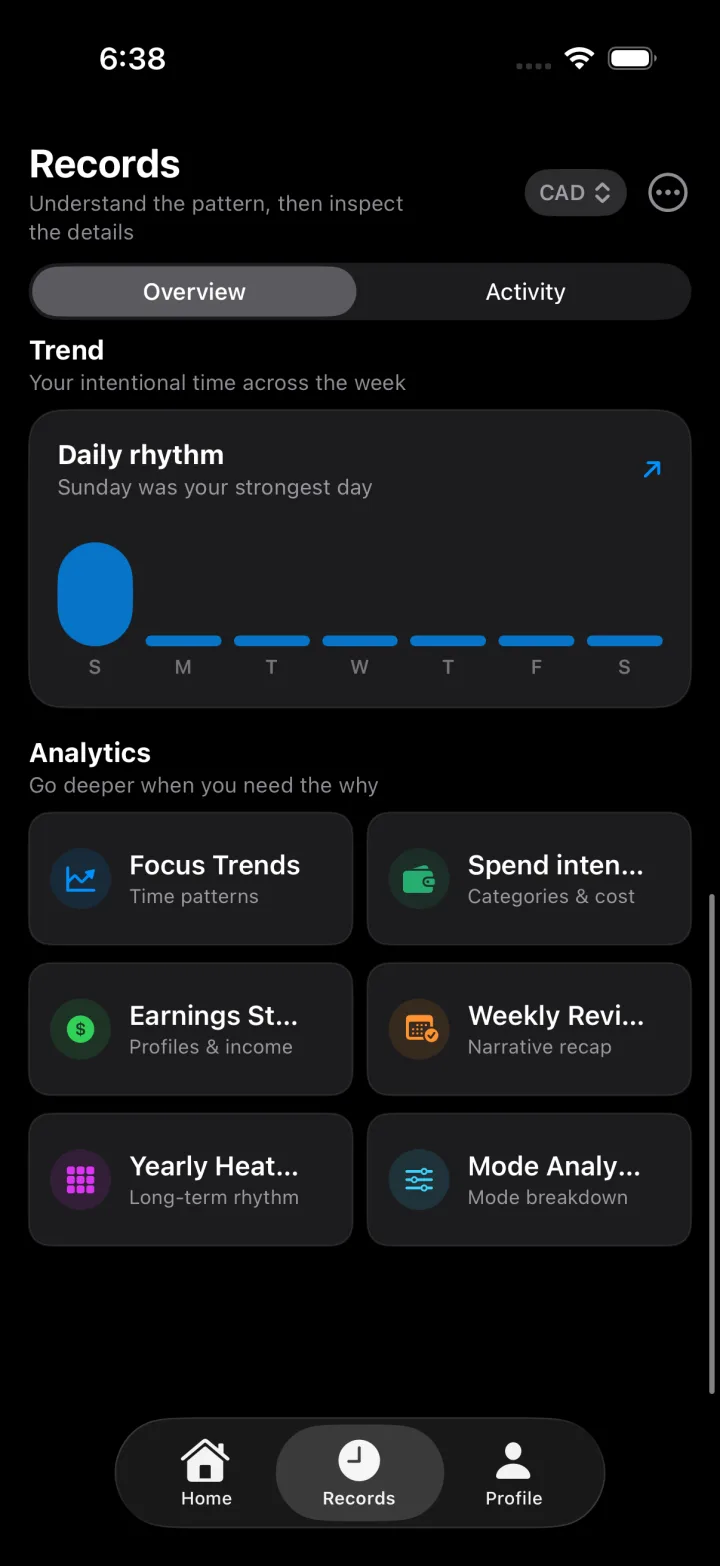
Records Overview shows intentional time, earned, spent, and kept — plus Study, Work, Spend, and Train at a glance.
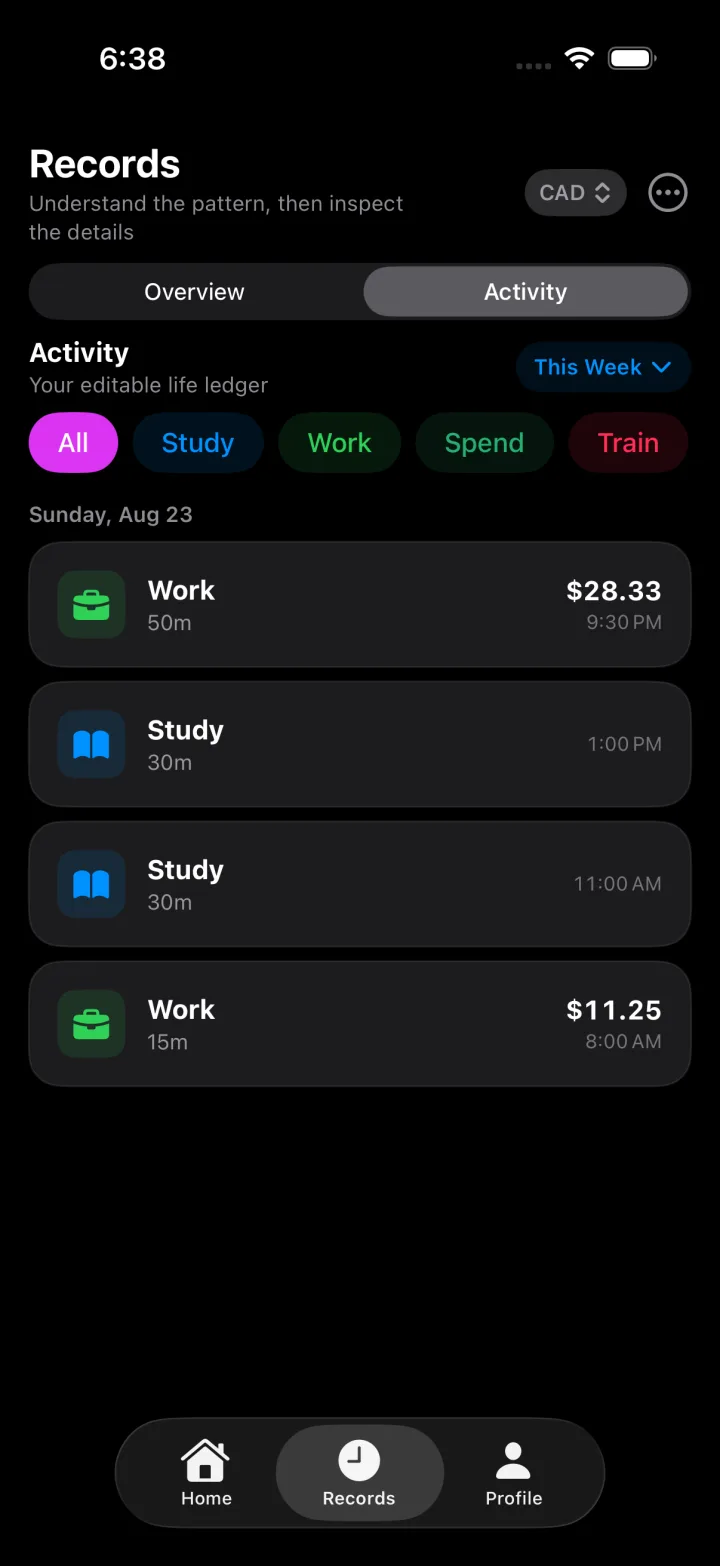
Filter the week by Study, Work, Spend, or Train. Every session is editable in one timeline.
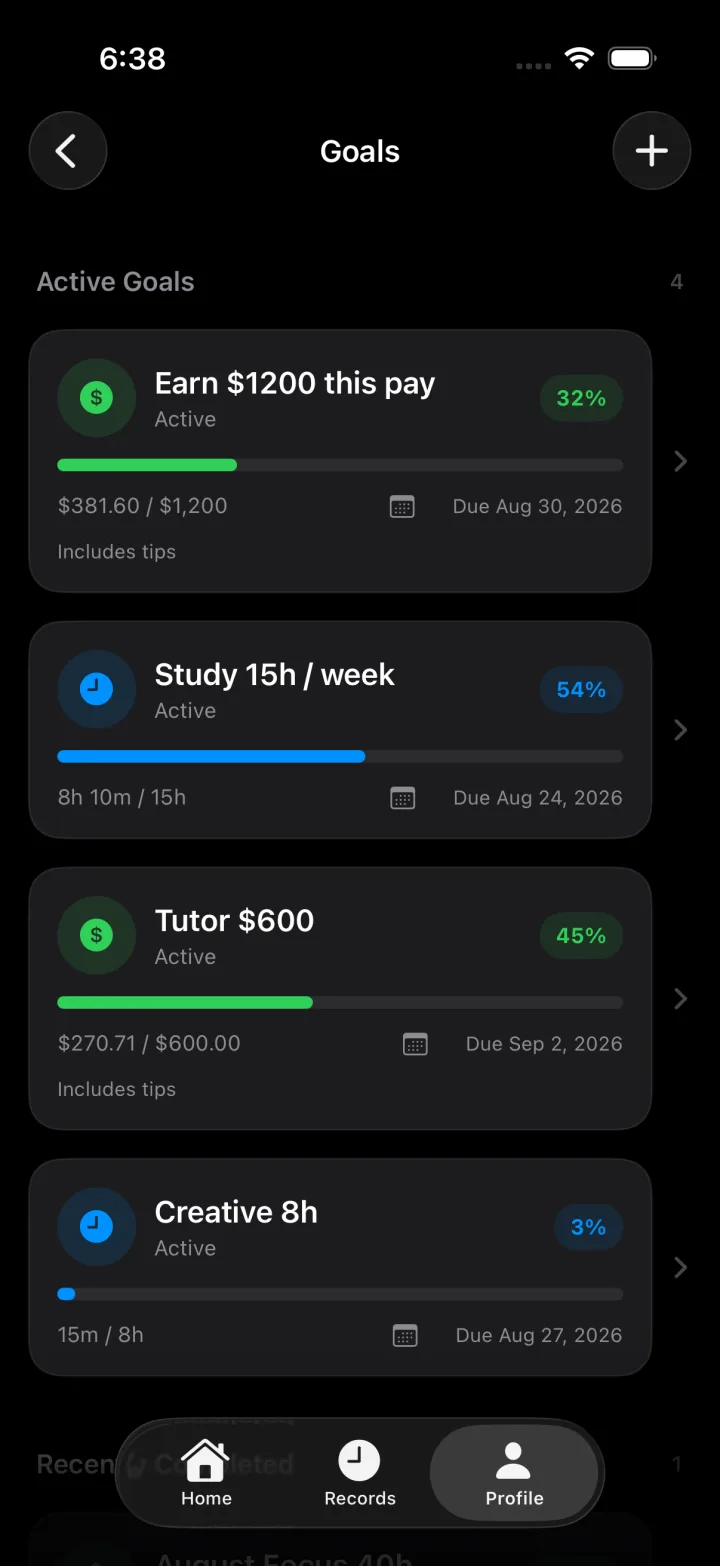
Set income and time goals, follow pay-period progress, and keep study hours on track.
Pick three priorities, then start Study, Work, Expense, or Gym from the same Home screen.
Records Overview shows intentional time, earned, spent, and kept — plus Study, Work, Spend, and Train at a glance.
Filter the week by Study, Work, Spend, or Train. Every session is editable in one timeline.
Set income and time goals, follow pay-period progress, and keep study hours on track.
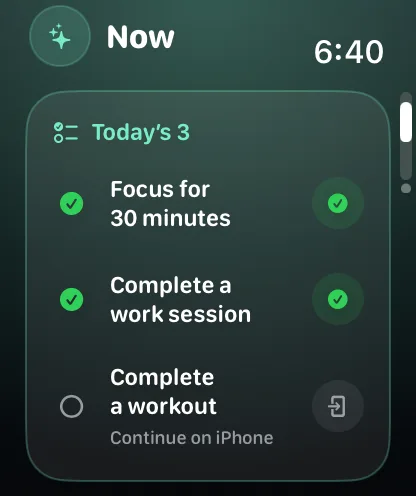
Three light pages — Now, Summary, and Sync. Start on the wrist; iPhone stays the source of truth.
Today’s 3, then Quick Start on the same page: 25 or 50 minute focus, or Clock In to a work profile.
Today’s 3, unified Records, weekly review, and the patterns behind your time.
Study, Work, Expense, or Gym from Home. Study and Work open Live Focus or Clock In, then Pomodoro or Manual.
Study, Work, Expense, or Gym from Home. Study and Work open Live Focus or Clock In, then Pomodoro or Manual.
Life Flow, highlights, and an editable activity timeline for Study, Work, Spend, and Train.
Pay-period earnings goals next to weekly study hours, with progress you can actually use.
Daily rhythm in Records, then Weekly Review, heatmap, spend, and earnings by work profile.
Built around Home, Records, and a thin Watch companion.
Three daily priorities on iPhone and Apple Watch, with continue-on-iPhone when a task needs the phone.
Overview for patterns, Activity for the editable ledger — Study, Work, Spend, Train.
Now, Summary, and Sync. Quick Start sits on Now. The phone stays the source of truth.
Today, Payday, and Next Shift — plus Smart and Quick Actions, with an optional work profile.
Weekly, every two weeks, or monthly — confirm real paydays so forecasts stay honest.
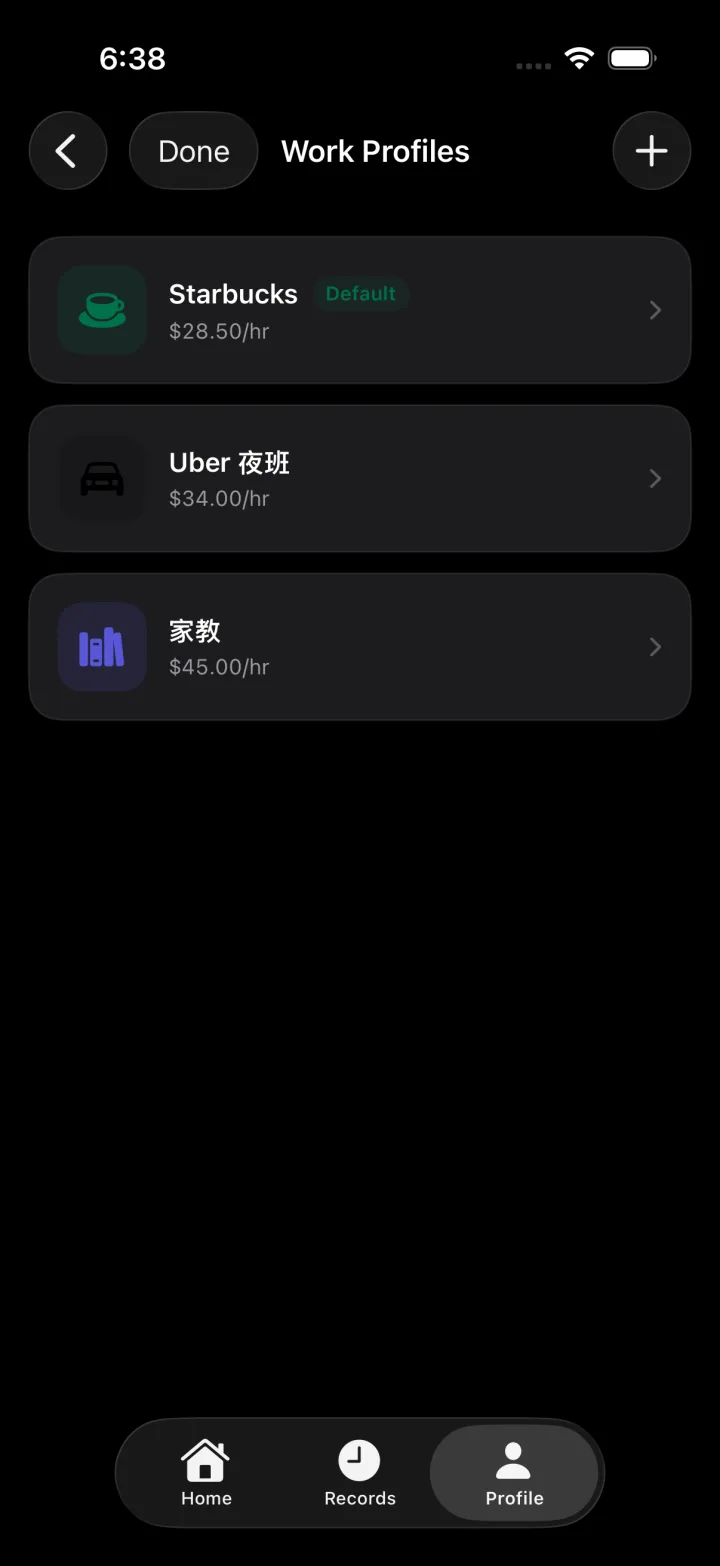
Separate rates per job. Pro unlocks more profiles, custom modes, and a base-currency override.
A calmer way to earn, spend intentionally, and train for the long term.
Download on the App StoreFree on the App Store · iPhone, iPad, and Apple Watch · FocusMint Pro lifetime $4.99.